
Utility connections use the NOX Connections API at
https://api.connect.nox.energy/v1. Requests are authenticated with an API key in the x-api-key header. Contact NOX Energy to receive one.Supported utilities
Flow
- Create a link session with your own
user_idand aredirect_url. Pass eitherconnection_type: "utility"to let the user pick their utility, orproviderto send them straight to one. - Send the user to the
link_urlyou get back. The link is single-use and expires after 60 minutes. - The user says whether they are already a customer.
- Already a customer: they enter the EAN code of their electricity connection, which is the 18-digit code on their energy bill, starting with
5414(BE) or8716(NL). This creates a connection. - Not yet a customer: they enter their EAN, continue to the utility’s signup page, and come back to finish. This records a lead.
- Already a customer: they enter the EAN code of their electricity connection, which is the 18-digit code on their energy bill, starting with
- The user lands back on your
redirect_urlwith the outcome.
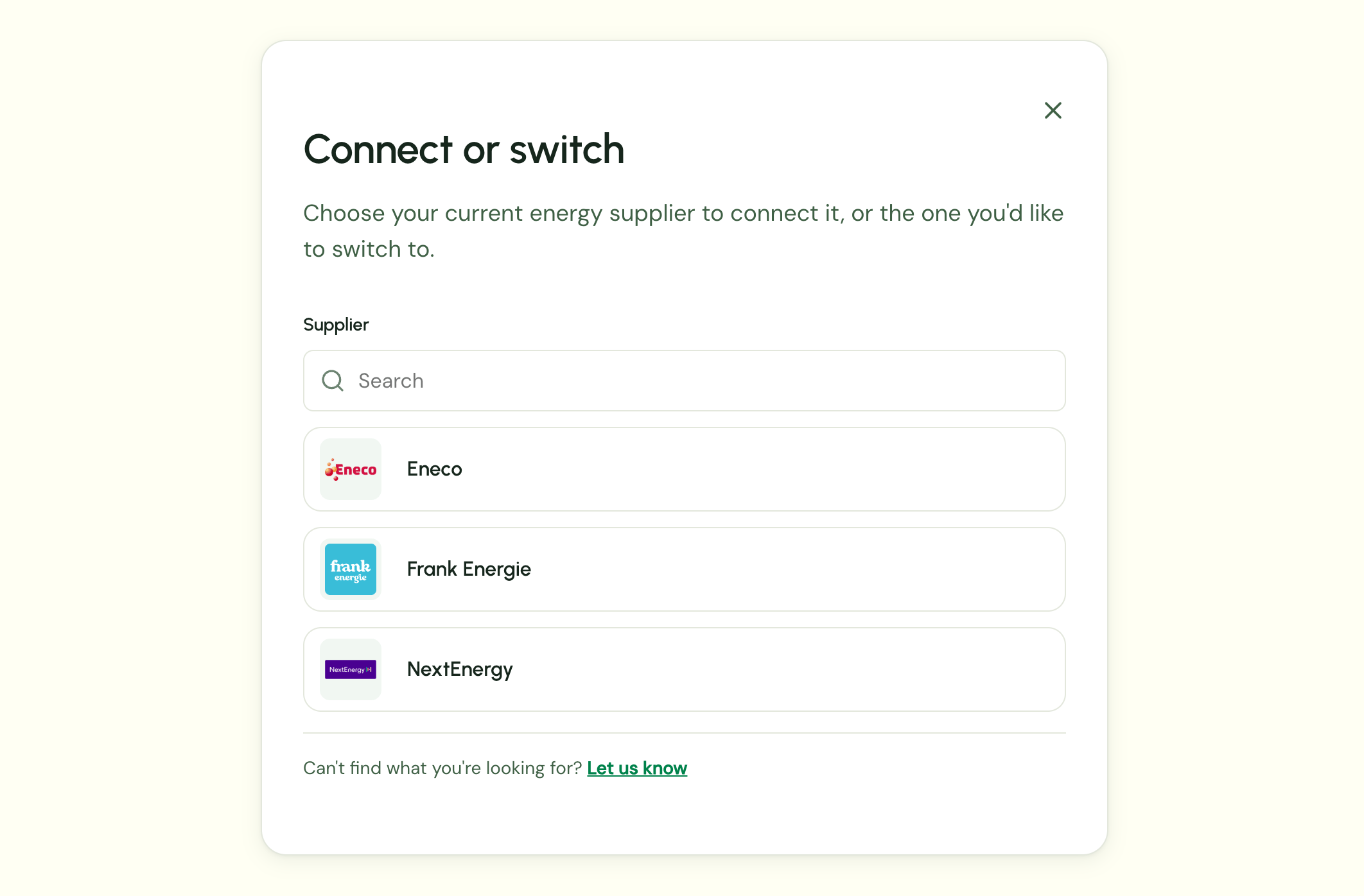
connection_type: "utility", the user first picks the utility they have a contract with, or the one they want to switch to:
language is one of nl (default), en, fr or es.
Handling the redirect
The user is sent back to yourredirect_url with a success query parameter. Any query parameters you included in the redirect_url are kept.
?success=false: the user cancelled or the connection failed. Offer to start a new link session.?success=true&data=...:datais a base64url-encoded JSON object (without padding). Its shape tells you what happened.
connection_id:
lead_id:
GET /connections. Once the user’s signup with the utility is complete, NOX Energy converts the lead into a utility connection for that user.
Good to know
- One utility per EAN. An EAN identifies a grid connection point, and one meter has one contract. Connecting a new utility on the same EAN replaces the previous utility connection.
- Managing connections. Use
GET /connectionsto list a user’s connections, andDELETE /connectionsto revoke your access.